Before You Spend,
Compare the
Outcomes and
Guardrails

Stop Planning in a Vacuum.

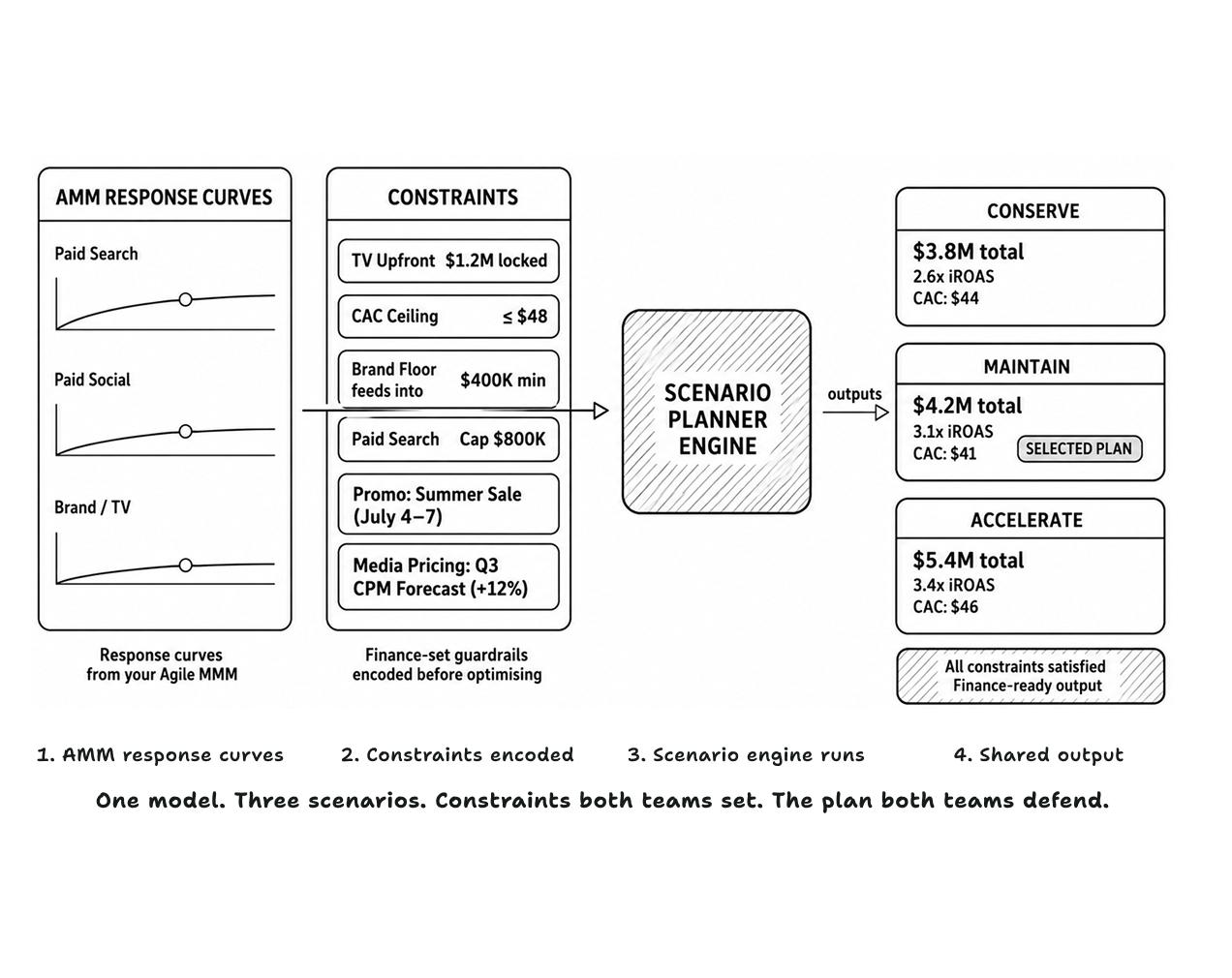
Every budget scenario in LiftLab's Scenario Planner is built on econometrically modeled response curves, not assumptions, not platform averages, not last quarter's blended ROAS. The plan you commit to reflects how your channels actually behave at different spend levels, before a single dollar moves.

What the Scenario Planner Enables

Constraint-Aware Modeling

Constraint-Aware Modeling

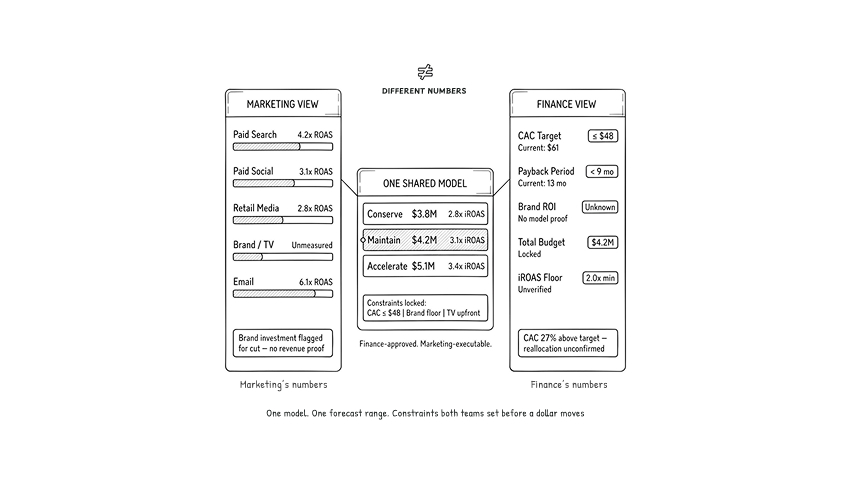
Lock in pre-committed spend, channel caps, and minimum brand thresholds, so every budget scenario the model returns is one your media buyers can actually execute.

Forecast Ranges & Trade-Offs

Forecast Ranges & Trade-Offs

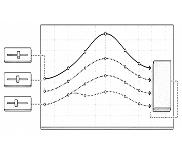
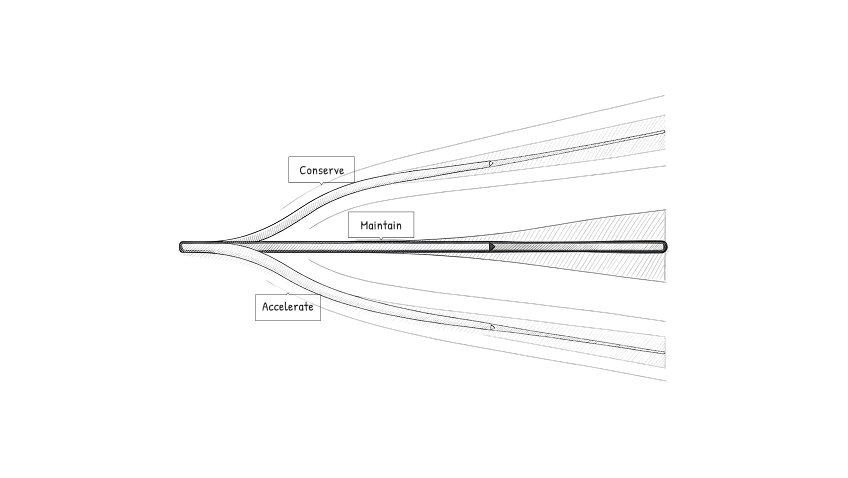
Generate Conserve, Maintain, or Accelerate scenarios, each forecasted as a range built on your AMM's response curves, not historical averages. The exact trade-off between short-term efficiency and long-term brand equity is quantified at every budget boundary before you commit.

Actionable Guardrails

Actionable Guardrails

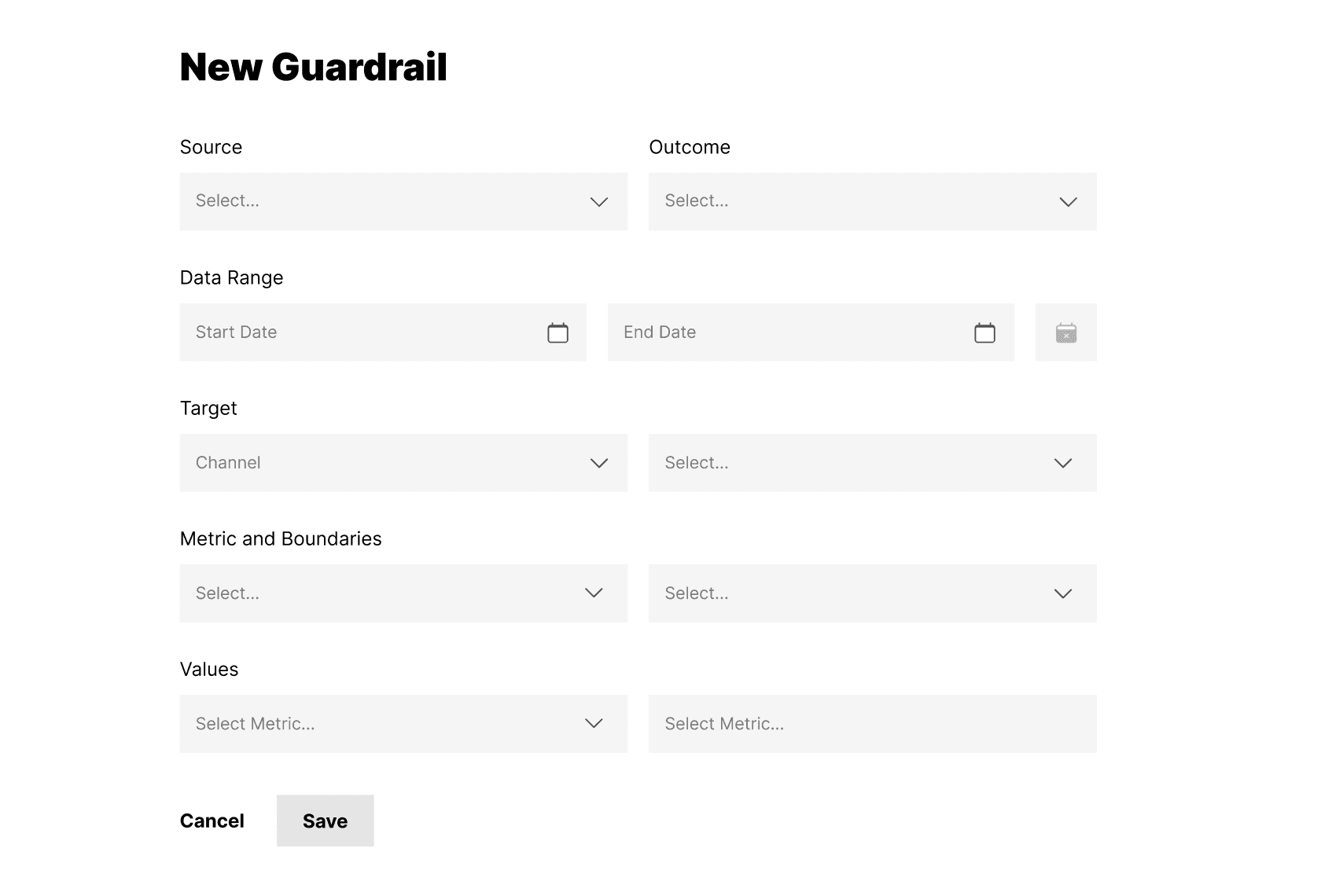
Attach monitoring triggers, CAC thresholds, conversion rate floors, and efficiency caps directly to your chosen budget scenario, so your team knows exactly when a plan is breaking.

How the Scenario Planner Works

  • AMM Feeds the Scenario Engine

    AMM Feeds the Scenario Engine

    The Scenario Planner ingests your AMM's response curves and marginal ROI signals directly, so every planning cycle is grounded in econometric evidence rather than assumptions built outside the model.
  • Define Goals & Constraints

    Define Goals & Constraints

    Input your target KPI alongside actual commercial constraints, pre-committed spend, channel caps, and locked media contracts, before the first budget scenario is generated.
  • Build & Compare Scenarios

    Build & Compare Scenarios

    Generate, Conserve, Maintain, and Accelerate simultaneously, each with its own forecast range and mROAS trade-off visible at every allocation boundary, so the decision is made on evidence, not confidence.
  • Lock the Plan & Set Guardrails

    Lock the Plan & Set Guardrails

    Publish your chosen scenario with explicit guardrails, maximum reallocation percentages, and stop-loss thresholds to create a clear operating contract between Marketing and Finance.
  • Steer Weekly

    Steer Weekly

    Monitor performance against your triggers in real-time. When a signal fires, rerun the scenario instantly. No quarterly model refresh. No reactive budget scramble.

The Output: Scenario Planner Dashboards

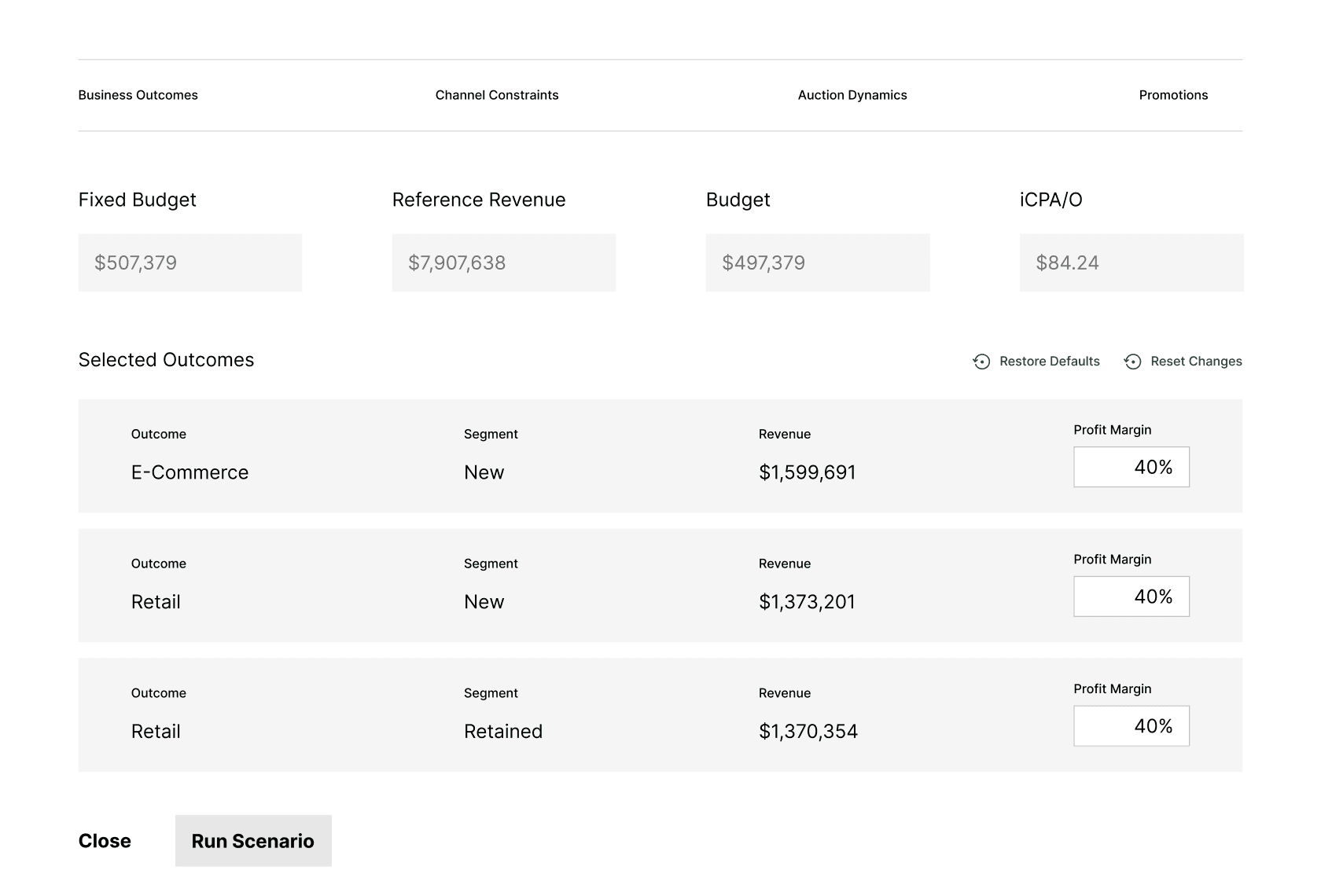
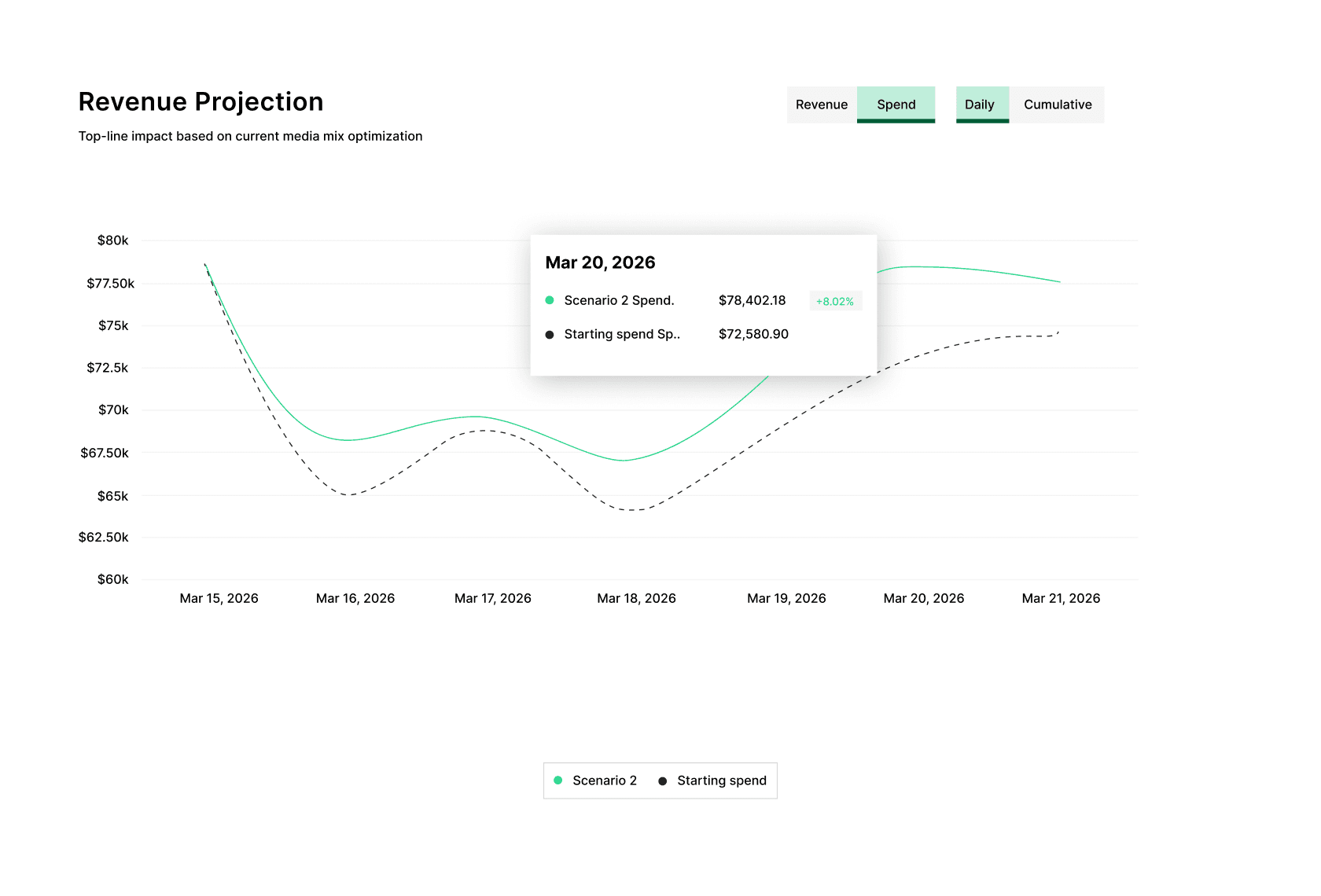
  • Run a Scenario

    Run a Scenario

  • Forecast Ranges and Trade-offs

    Forecast Ranges and Trade-offs

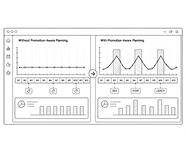
  • Setting up New Guardrails

    Setting up New Guardrails

Frequently Asked Questions

The Scenario Planner turns your AMM's response curves into executable budget scenarios — with constraints encoded before any scenario runs. Most planning tools produce a single forecast built on historical averages. LiftLab produces three simultaneous scenario ranges grounded in how your channels actually behave at different spend levels. The output is a decision, not a projection.